

How To Fix Error Toyota Techstream Diagnostic Software
How To Fix Error Toyota Techstream Diagnostic Software
Brand: Toyota Motor Corporation
Type of Program: Diagnostic Program
System requirements: Windows 10 x32 & x64
Database language: Chinese, English, French, German, Italian, Japanese, Spanish
Interface language: Chinese, English, French, German, Italian, Japanese, Spanish, Turkish
Description: Toyota diagnostic software Lexus, Scion.
Compatible interface: TOYOTA TIS TECHSTREAM OBD2 INTERFACE
Contact us for more details:
gallons@autorepairmanuals.ws
admin@autorepairmanuals.ws
---- Support Services ----
Software Installation
Software Check & Diagnosis
Error Fix & Recovery
Remote Installation & Support
Remote Access via TeamViewer / AnyDesk / UltraViewer
✅ All issues can be fixed remotely
✅ Fast response – Professional support – No downtime
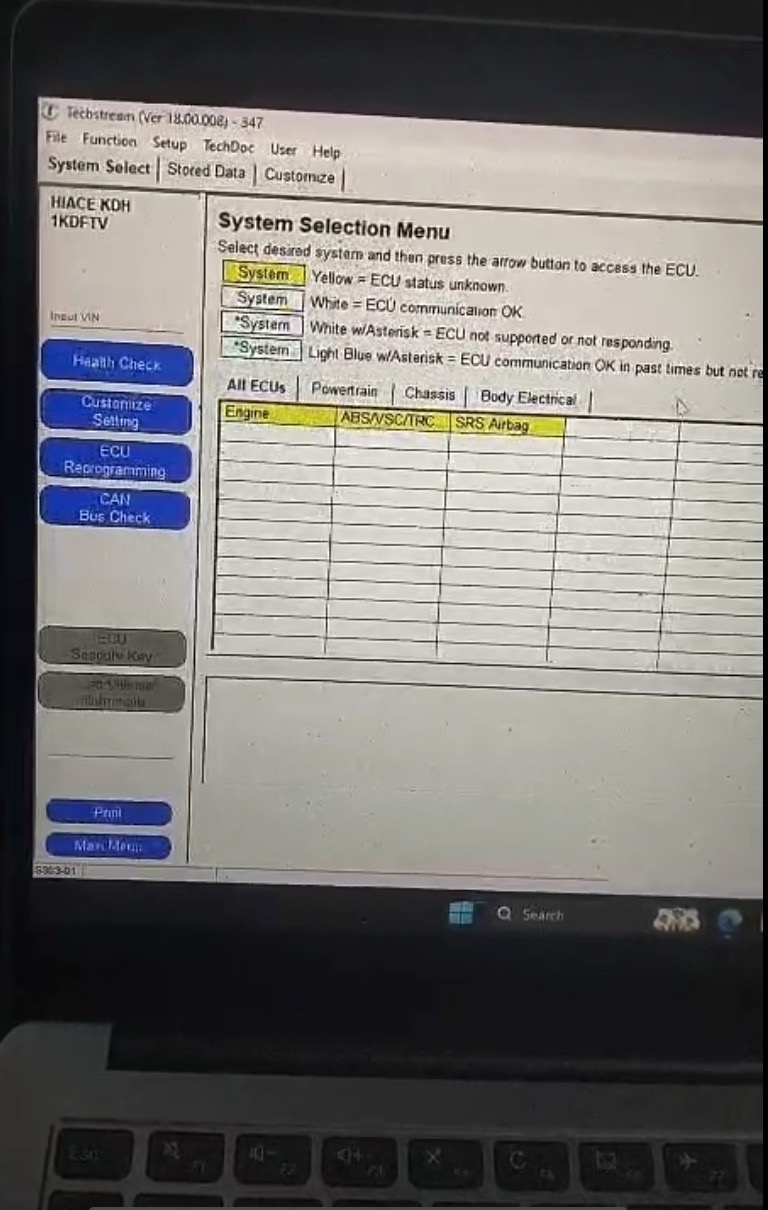
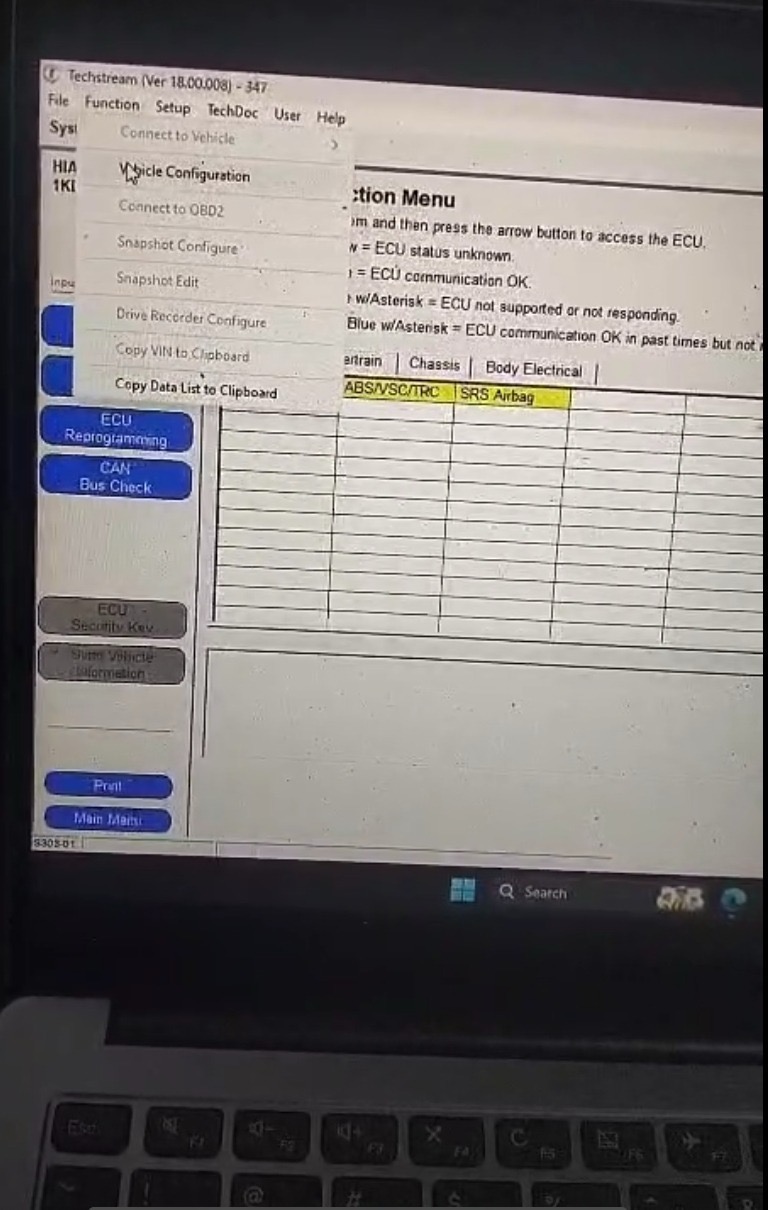
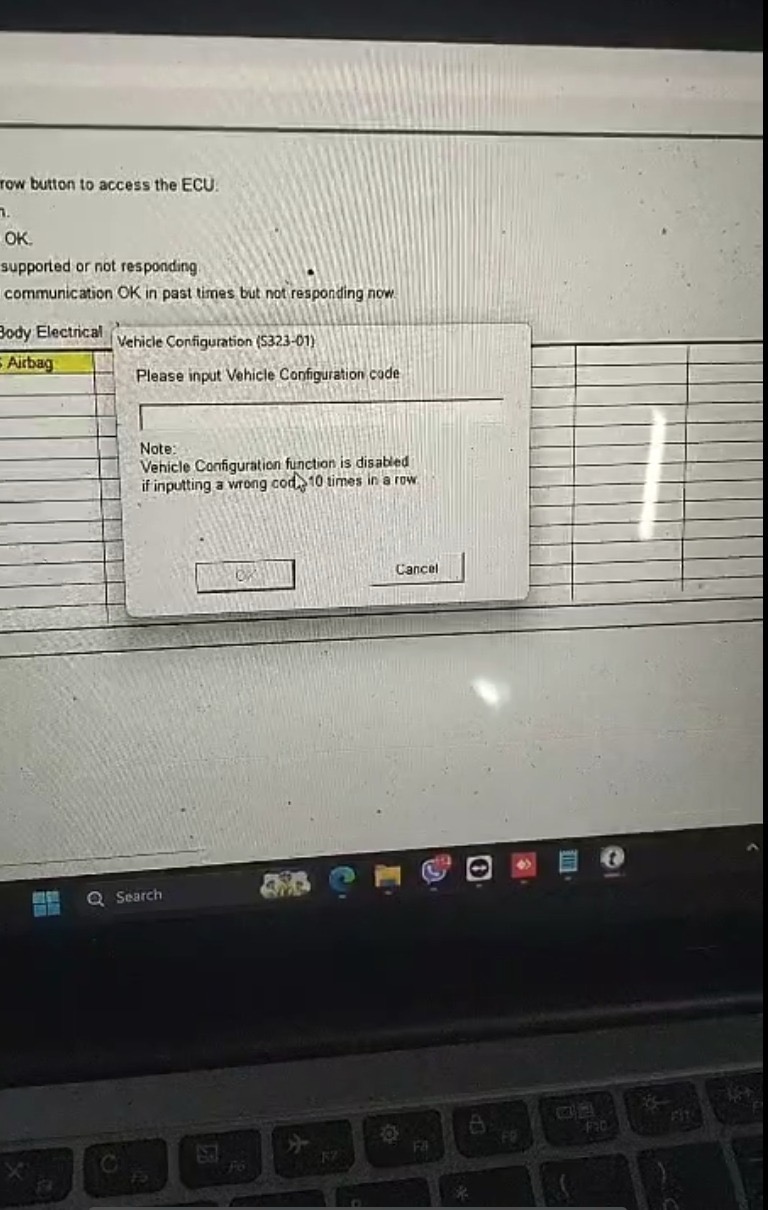
Common Toyota Techstream Errors:
1. VIM Not Detected / Interface Not Recognized
Techstream cannot detect the diagnostic interface (Mini VCI, MVCI, VXDIAG, etc.), usually caused by missing or incorrect drivers.
2. Cannot Connect to Vehicle ECU
The software opens normally but fails to communicate with the vehicle. This is often related to cable issues, driver conflicts, or incorrect VIM selection.
3. “Initialization Error” When Starting Techstream
Techstream fails to start properly due to corrupted installation files or incompatible system components.
4. License / Activation Error
The program requests activation or displays license errors if the activation patch or key is not correctly applied.
5. Database Error or Missing Calibration Files
Some functions like ECU programming or reflash may fail because calibration files are missing or the database is incomplete.
6. “Unable to Connect to VIM” Error
Even though the cable is connected, Techstream cannot establish communication with the Vehicle Interface Module.
7. Software Crash or Freezing During Diagnostic Session
Techstream may freeze while performing scans, especially on systems with incompatible Windows versions or insufficient system resources.
Brand: Toyota Motor Corporation
Type of Program: Diagnostic Program
System requirements: Windows 10 x32 & x64
Database language: Chinese, English, French, German, Italian, Japanese, Spanish
Interface language: Chinese, English, French, German, Italian, Japanese, Spanish, Turkish
Description: Toyota diagnostic software Lexus, Scion.
Compatible interface: TOYOTA TIS TECHSTREAM OBD2 INTERFACE
Contact us for more details:
gallons@autorepairmanuals.ws
admin@autorepairmanuals.ws
---- Support Services ----
Software Installation
Software Check & Diagnosis
Error Fix & Recovery
Remote Installation & Support
Remote Access via TeamViewer / AnyDesk / UltraViewer
✅ All issues can be fixed remotely
✅ Fast response – Professional support – No downtime
Common Toyota Techstream Errors:
1. VIM Not Detected / Interface Not Recognized
Techstream cannot detect the diagnostic interface (Mini VCI, MVCI, VXDIAG, etc.), usually caused by missing or incorrect drivers.
2. Cannot Connect to Vehicle ECU
The software opens normally but fails to communicate with the vehicle. This is often related to cable issues, driver conflicts, or incorrect VIM selection.
3. “Initialization Error” When Starting Techstream
Techstream fails to start properly due to corrupted installation files or incompatible system components.
4. License / Activation Error
The program requests activation or displays license errors if the activation patch or key is not correctly applied.
5. Database Error or Missing Calibration Files
Some functions like ECU programming or reflash may fail because calibration files are missing or the database is incomplete.
6. “Unable to Connect to VIM” Error
Even though the cable is connected, Techstream cannot establish communication with the Vehicle Interface Module.
7. Software Crash or Freezing During Diagnostic Session
Techstream may freeze while performing scans, especially on systems with incompatible Windows versions or insufficient system resources.
More the random threads same category:
- Toyota GSIC- Repair Manual, Wiring Diagram, Body Repair and ETC Full 2016
- Download Toyota Techstream V8.00.034 (1.2013)
- Toyota Techtream v10.30.029 10.2015
- Toyota Techstream V11.30.124 [01.2017] Full
- TOYOTA & LEXUS EPC [04.2017] Full Instruction
- Toyota Service Manual, Workshop Manual, Wiring Diagram DVD 2014-2018
- Toyota & Lexus EWD [2004-2018] Offline DVD
- Toyota Techstream 11.30.024 [11.2016]
- Toyota Techstream V12.30.017 [12.2017] Full
- Toyota GISC Workshop Manual & Electrical Wiring Diagram 2019
- Lexus GSIC- Repair Manual, Wiring Diagram, Body Repair and ETC Full 2016
- TOYOTA & LEXUS EPC [01.2019]
- Toyota Techstream V11.30.037 [12.2016]
- Toyota Techstream V12.00.127 [04.2017] Full
- GISC Toyota Hilux 2011-2013 Workshop Manual